
Overlays
Instálalos desde la página Overlays de Tokio y después agrega el enlace de cada uno a OBS o TikTok LIVE Studio. Al actualizarlos, conservan tu configuración.
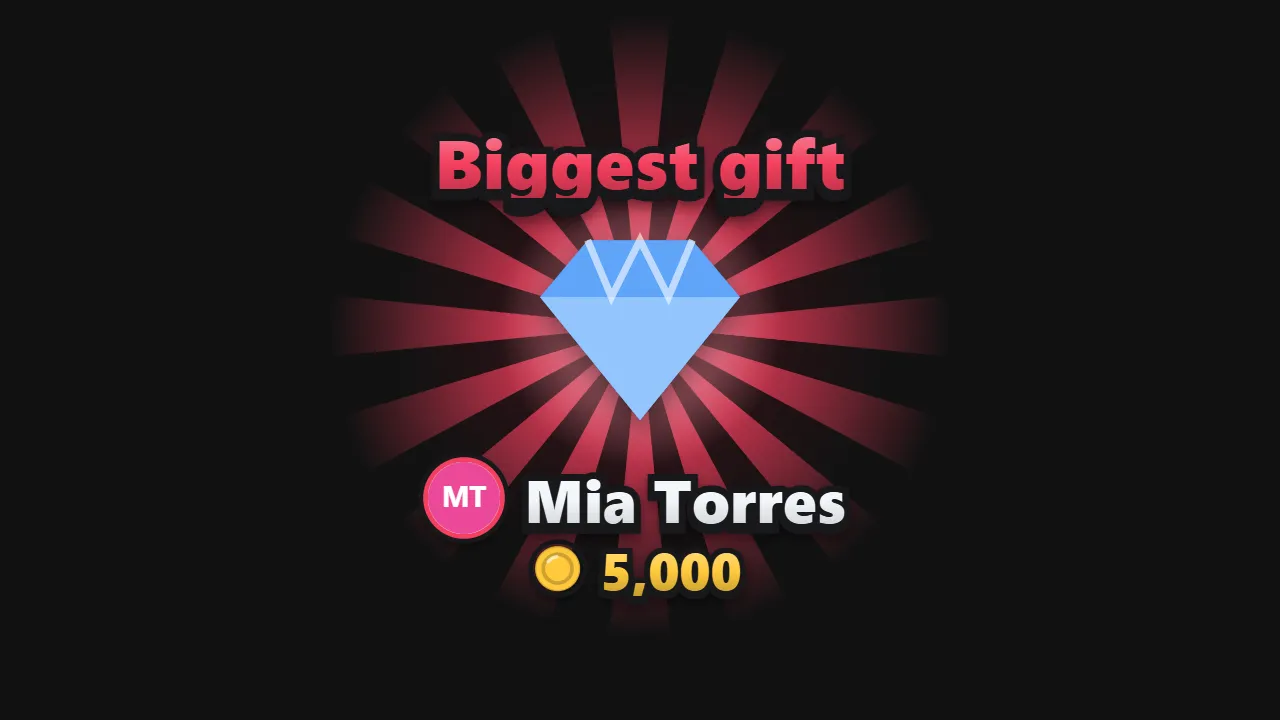
Biggest Gift
The biggest gift sent on your LIVE, on spinning rays, with the gifter's name and photo, the combo count and the coins. A gift that costs more takes its place.
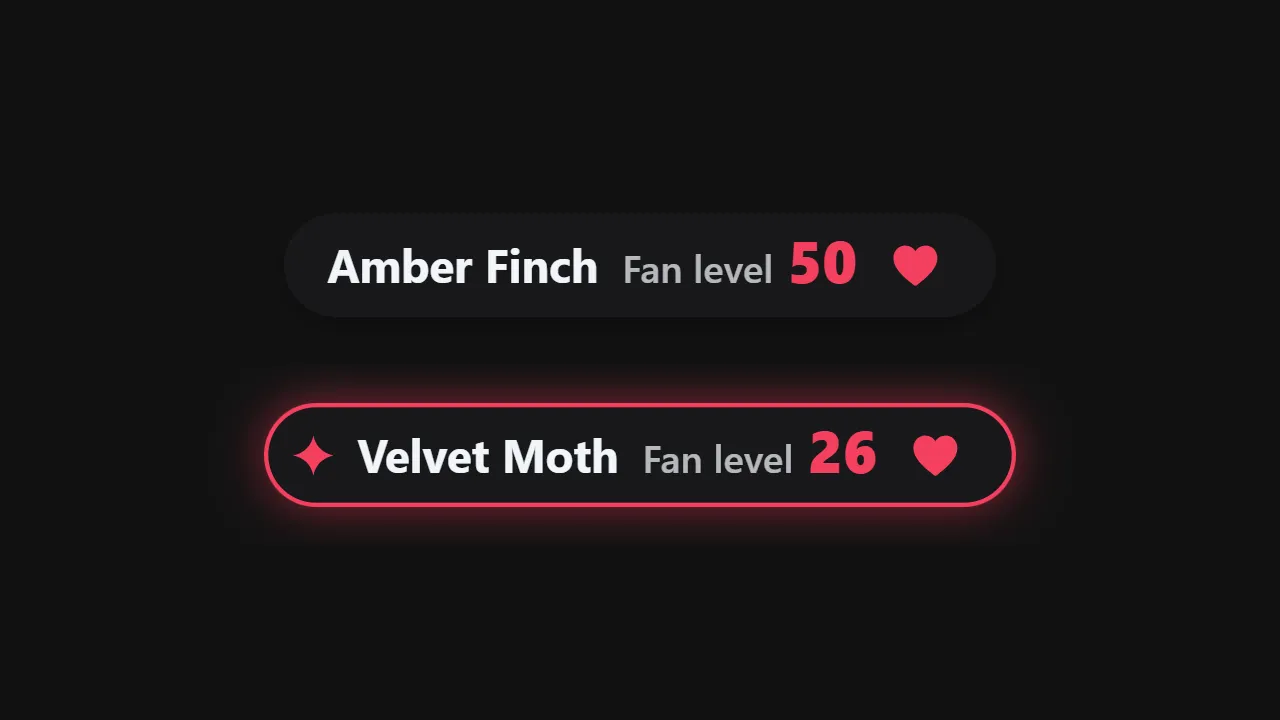
Fan Level
Your fans take turns on a banner with their fan level and badge, and Super Fans get a glowing rim and a sparkle.
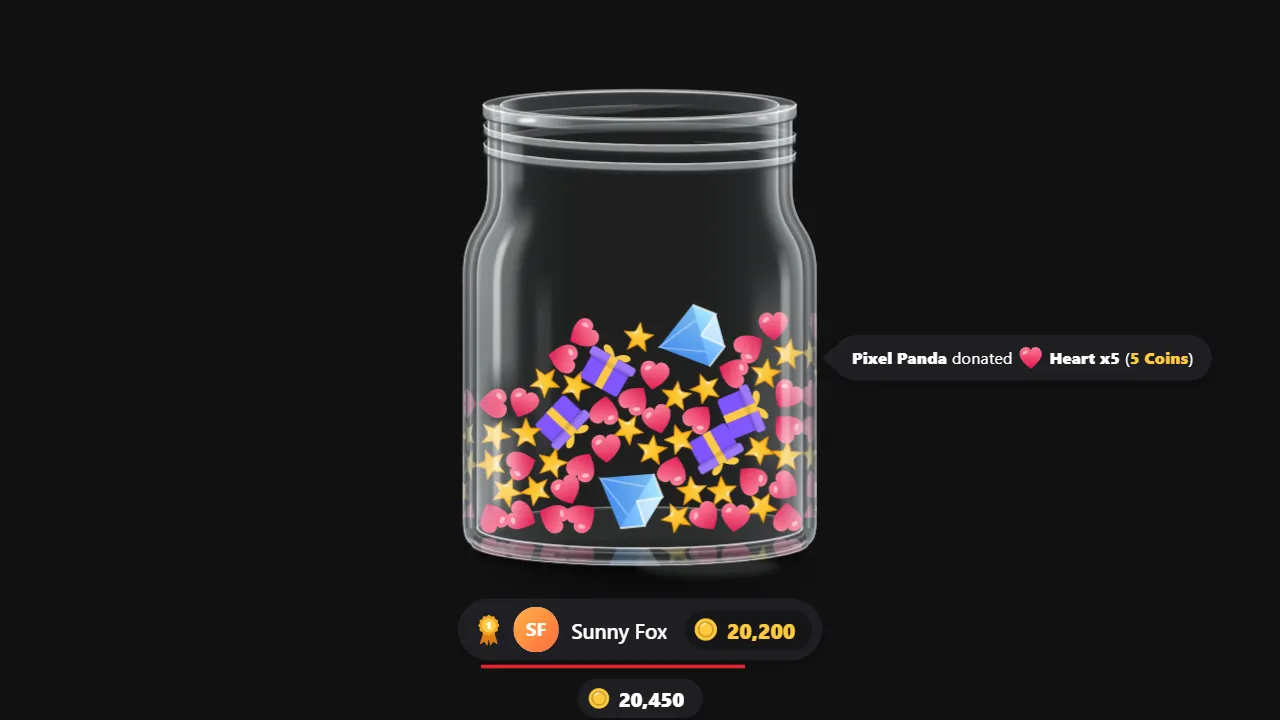
Gift Jar
Gifts drop into a jar and pile up, with a message for each gift and the gifter's coins.
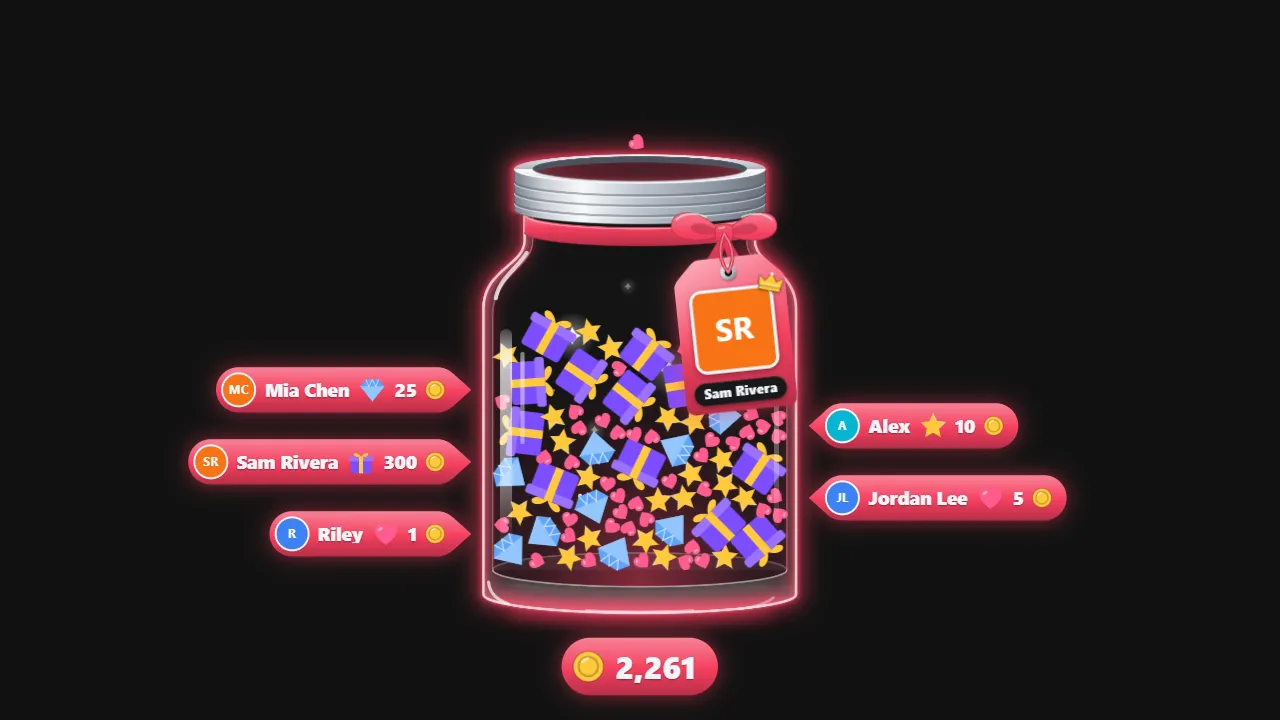
Glow Jar
Gifts drop into a glowing glass jar or crystal bowl and pile up, with a bubble for each gift and the top gifter's photo on a tag hanging from its bow.
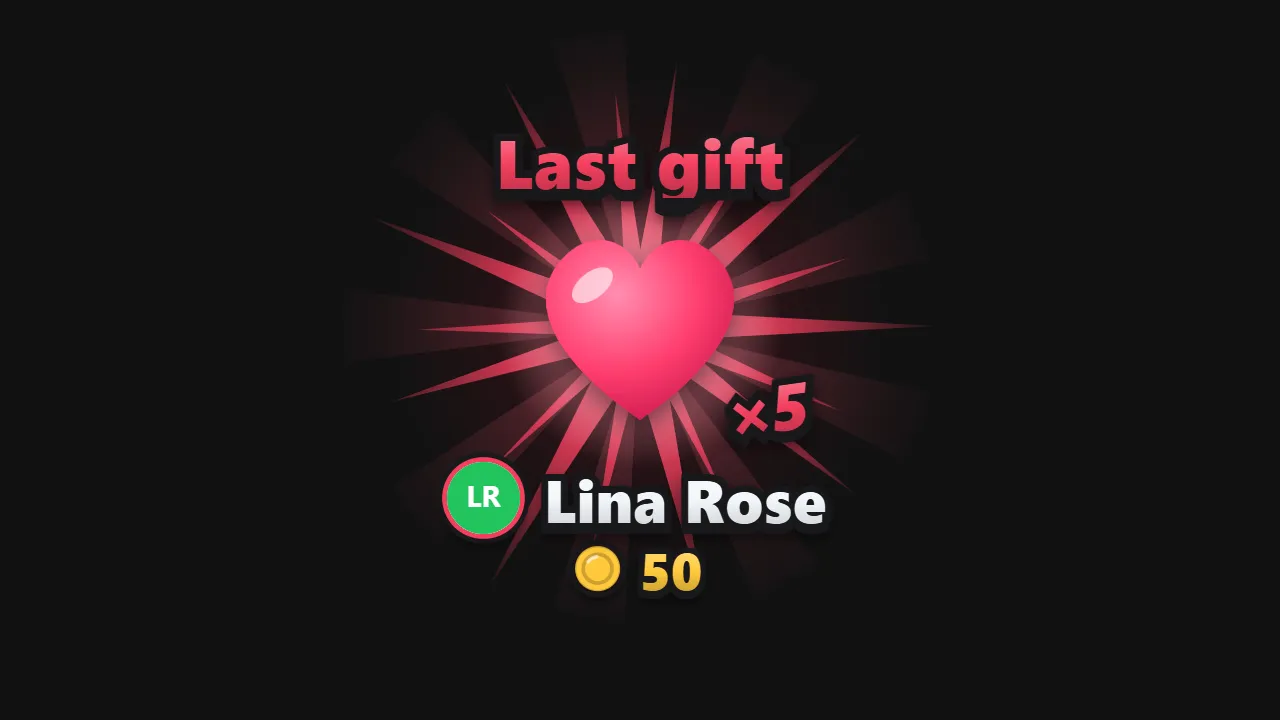
Last Gift
The last gift sent on your LIVE, big on spinning rays, with the gifter's name and photo, the combo count and the coins.
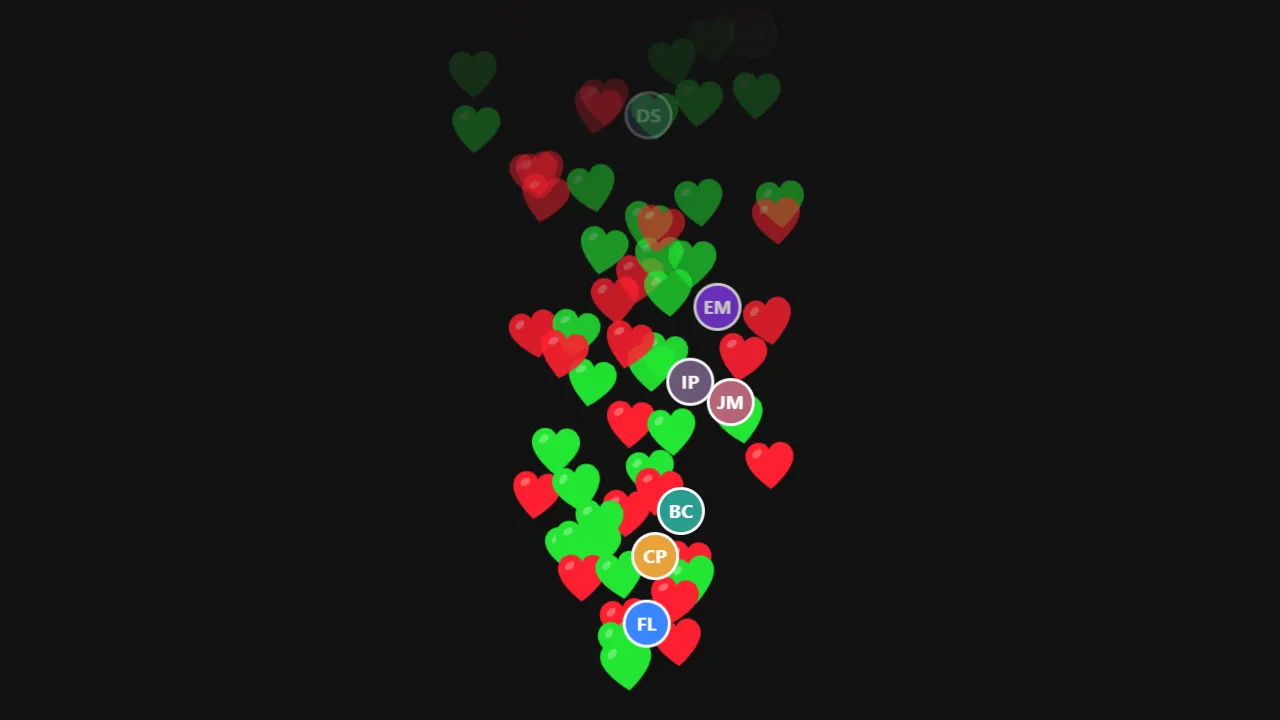
Like Fountain
Hearts rise from the bottom of the screen for every like, with the viewer's profile picture.
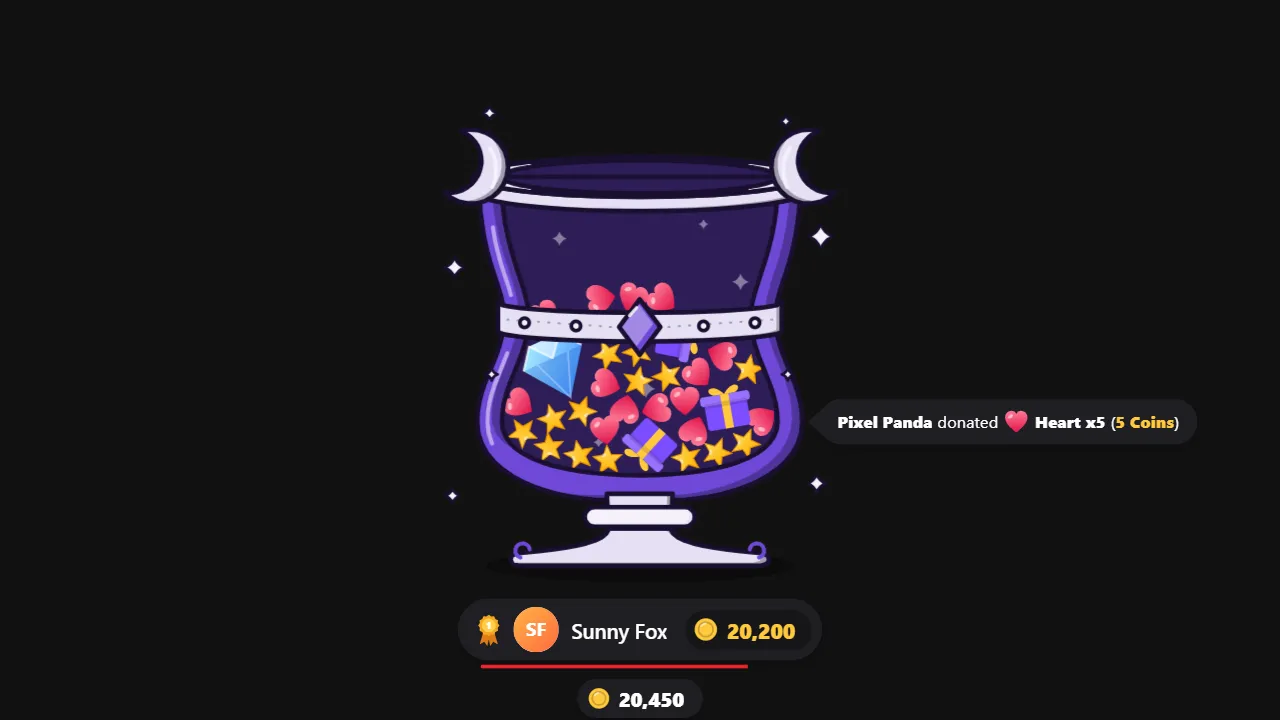
Magic Jar
Gifts drop into a drawn cup, chest, cauldron or trophy and pile up, with a message for each gift and the gifter's coins.
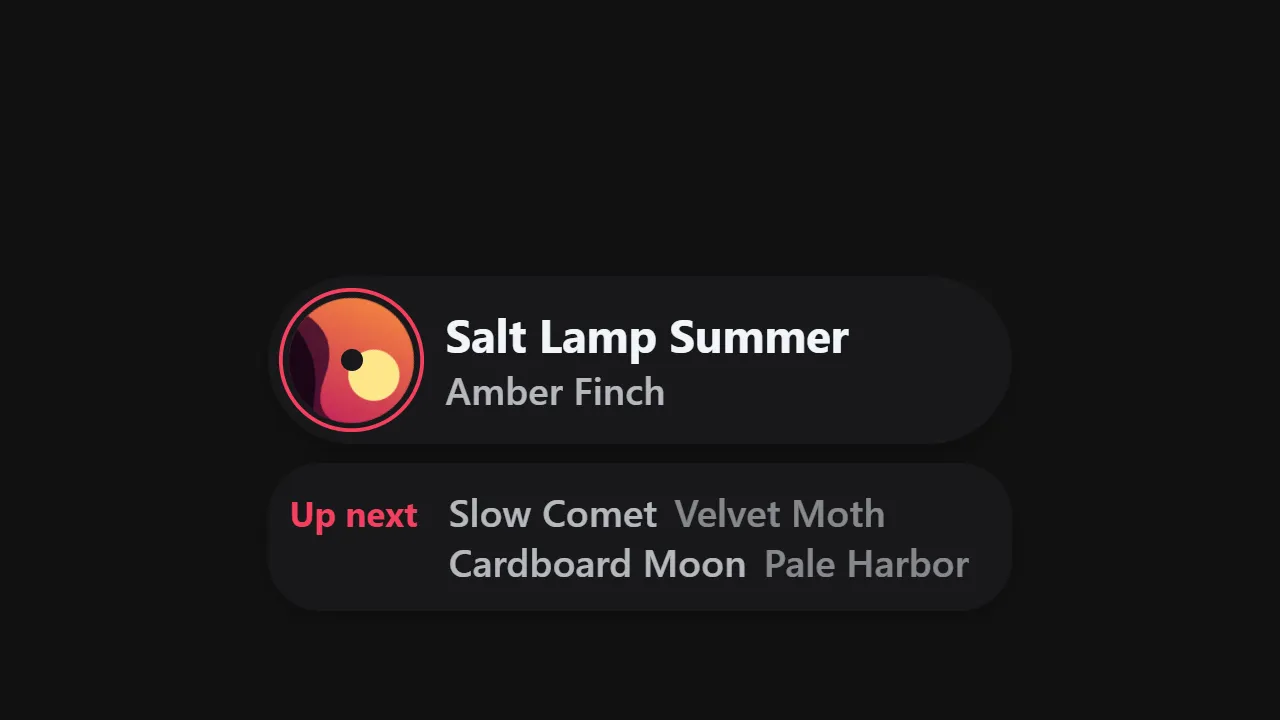
Now Playing
The song playing from your music requests, its cover turning like a record, with the next songs in the queue.
Social Links
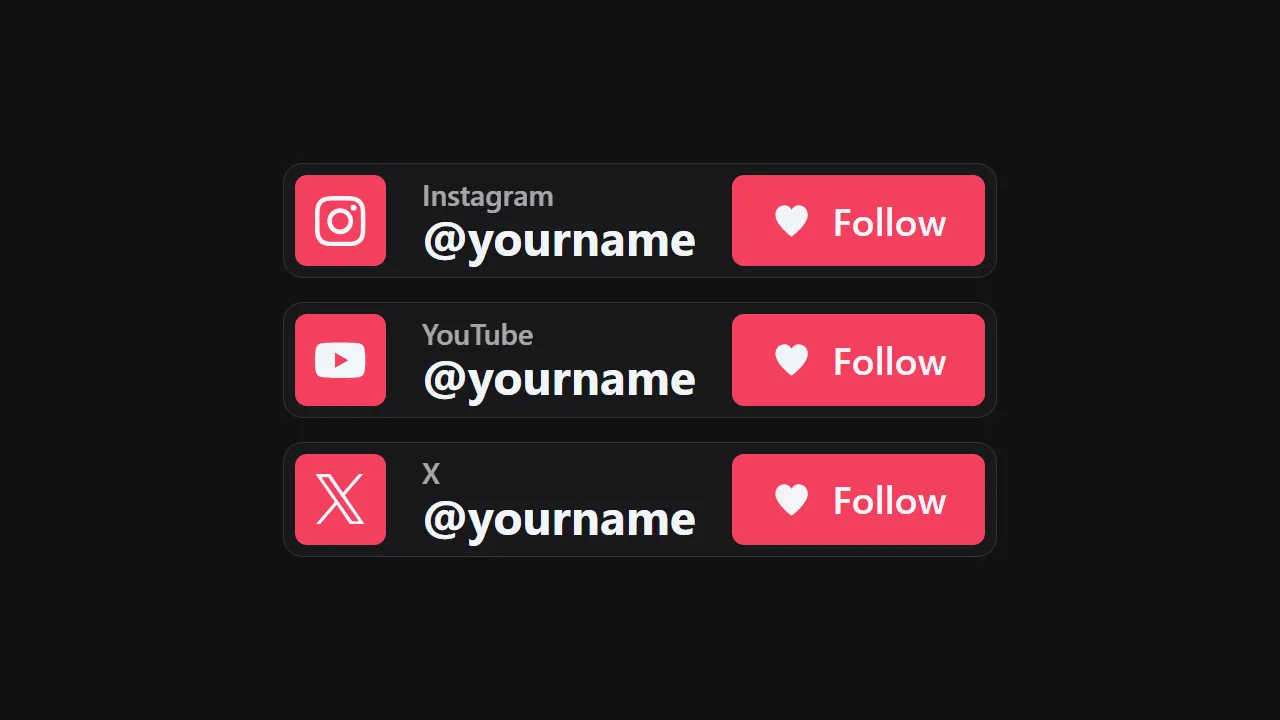
A card with your other social accounts, one at a time or all at once, each with a Follow button.
Top Likes
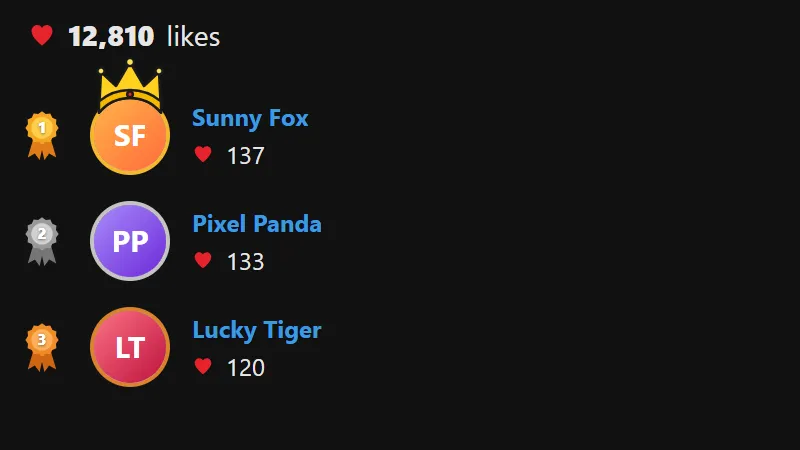
The viewers who sent the most likes, with medals and a crown for the top three.
¿Prefieres hacerlo a mano? Extrae un zip e importa la carpeta con Overlays → Importar overlay en Tokio. Los overlays importados no reciben actualizaciones. Los overlays son de código abierto y están en tokio-app/overlays.