
Introduction
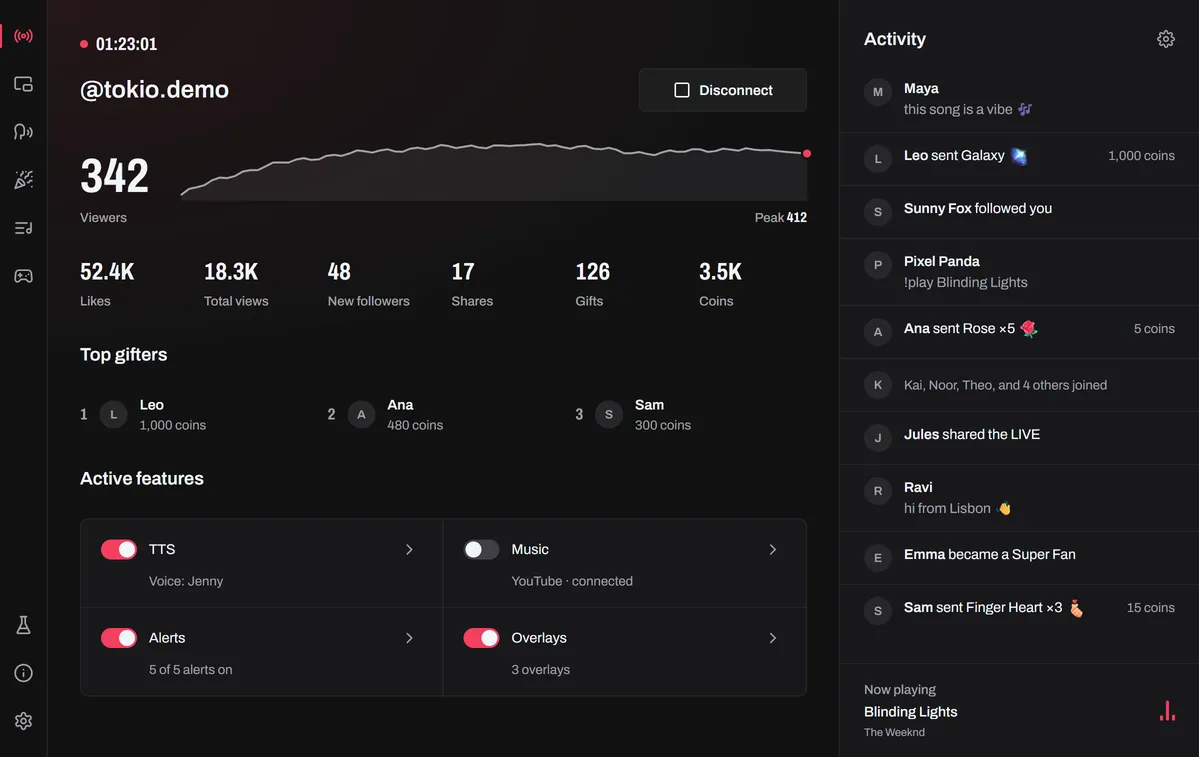
Tokio is a desktop app for Windows, macOS and Linux that reacts to your TikTok LIVE. It reads chat aloud, takes song requests, plays alerts, runs commands in Minecraft and drives your overlays.
Your TikTok LIVE
Chat, gifts, follows
Tokio, on your computer
Keep it open while you stream
Your streaming app
OBS or TikTok LIVE Studio
New here? Install Tokio, then connect it to your LIVE.
What you need
Section titled “What you need”- A computer with Windows 10 or later, macOS 13 or later, or Linux, open while you stream.
- A free Euler Stream API key, to connect to your LIVE.
- For overlays, OBS Studio, TikTok LIVE Studio or another app with a browser source.
- For music, Spotify Premium, or YouTube, with or without a Google account. With YouTube Premium you skip the ads.
- For games, Minecraft Bedrock Edition, or Java Edition with Fabric and the Tokio mod.
Features
Section titled “Features”- Overlays: install official overlays or import your own.
- Text-to-speech: chat read aloud.
- Alerts: sounds, voices, images and videos for gifts, follows and more.
- Music: viewers queue songs on YouTube or Spotify.
- Games: gifts and chat spawn mobs and run commands in Minecraft.
- Chat commands: what viewers can type, like
!play. - Chat translation: viewers’ messages in your language.
- Live controls: skip a song, stop TTS, replay an alert or pause everything with a shortcut.
- Countdown: a clock viewers add time to.
- Overlay Studio: your own overlay, built from text, pictures, videos and cameras.
- Coin stats: the coins and gifts of every LIVE and who sent them.
- Fans: the viewers with a fan level, highest first.